Door controls on your phone
Use supported open and close controls through your connected gateway. Review command history in one place.
Available device status depends on the connected model and a working gateway connection.
 AIRREMOTEDashboard
YOUR COOP. CONNECTED.
AirRemote connects compatible RUN-CHICKEN Bluetooth doors to Wi-Fi, so you can access supported door controls from your phone or web dashboard.
Built around compatible existing doors
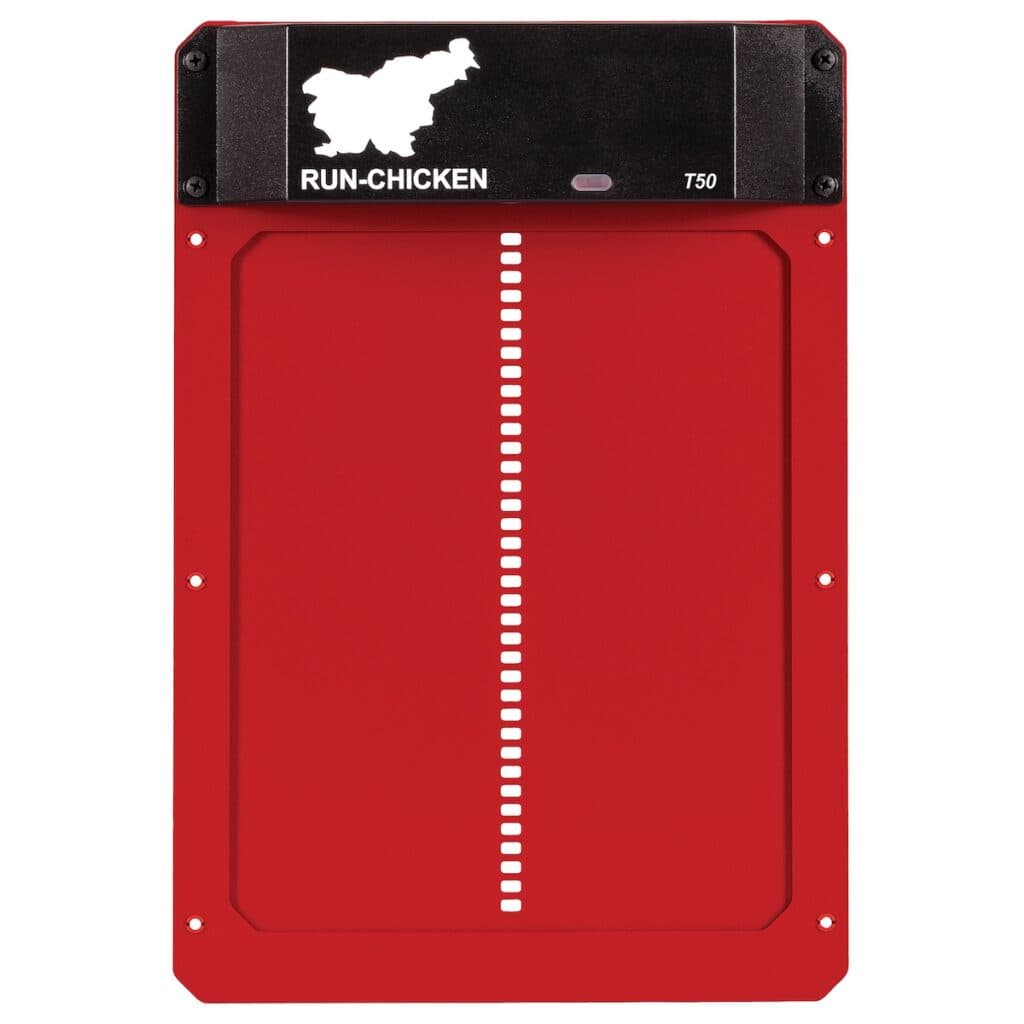
 Supported Bluetooth models in the T50 / T80 family
AirRemote extends supported RUN-CHICKEN Bluetooth equipment with internet access. Compatibility includes supported Bluetooth models in the T50 / T80 family; not every RUN-CHICKEN door has the same connectivity.
Include your exact model when joining the list so support can be checked before you buy.
The gateway bridges the local Bluetooth connection to the internet. Your phone can access AirRemote without remaining near the coop.
Confirm that your door is a supported RUN-CHICKEN Bluetooth model.
Place an AirRemote gateway within Bluetooth range of the door and Wi-Fi coverage with internet access.
Add the door and use available controls in the AirRemote app or web dashboard.
Use supported open and close controls through your connected gateway. Review command history in one place.
Available device status depends on the connected model and a working gateway connection.
Create schedules for available commands. Check your door’s configuration when combining its built-in routines with AirRemote schedules to avoid conflicting commands.
Give a family member or caretaker access through their own account, so they can use supported controls without sharing your sign-in details.
An automatic door may use a timer, light sensor, or Bluetooth without providing internet access. AirRemote adds that connection for supported Bluetooth doors through a separate Wi-Fi gateway.
No. AirRemote currently supports compatible RUN-CHICKEN Bluetooth doors. A brand name alone does not confirm compatibility; the model and connectivity matter.
The gateway needs reliable Wi-Fi and internet access while staying within Bluetooth range of the door. Check coverage where you plan to place it.
AirRemote extends compatible hardware rather than replacing it. Check your door’s configuration when combining its built-in routines with AirRemote schedules to avoid conflicting commands.
Join the preorder interest list to hear when pricing and availability are announced. No payment is collected and no order is placed yet.
Tell us about your door. We’ll share pricing and availability when they’re ready. No payment today.
Join the preorder list